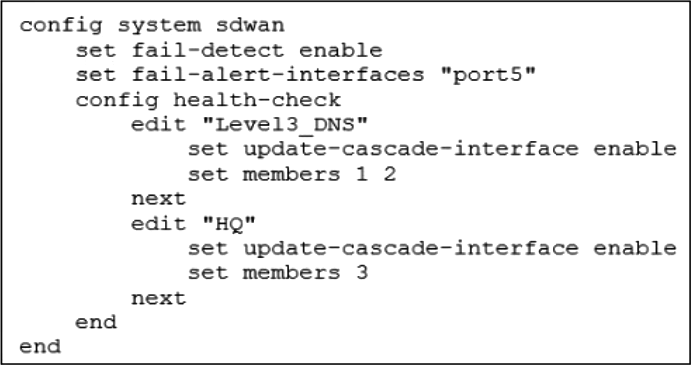
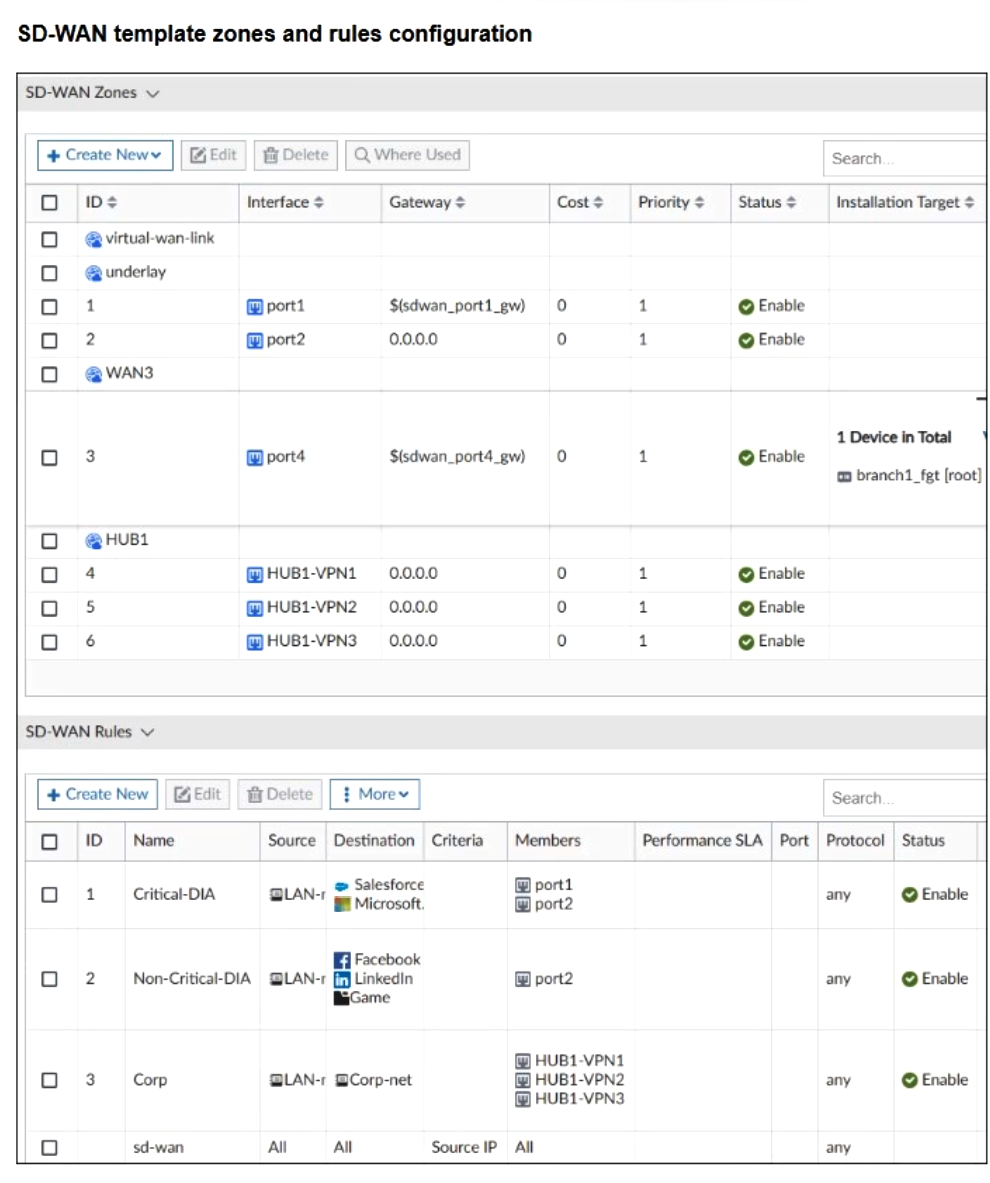
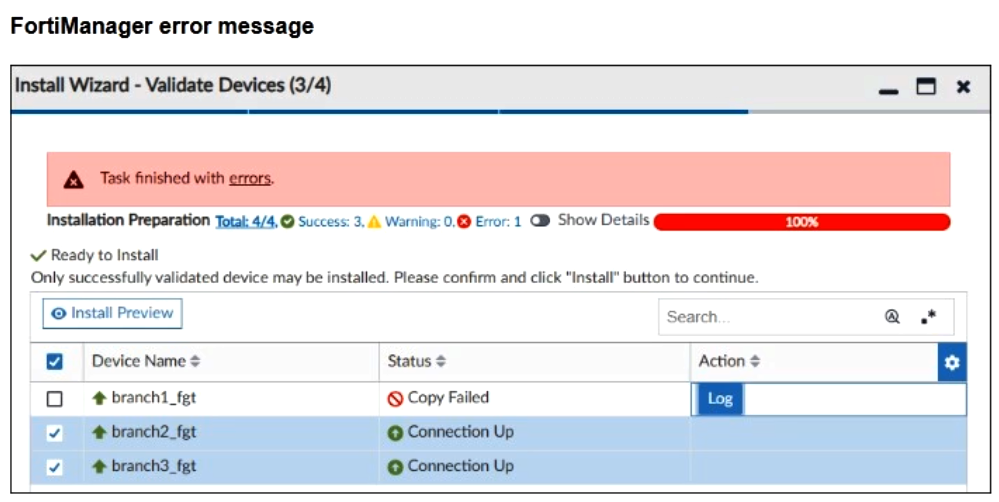
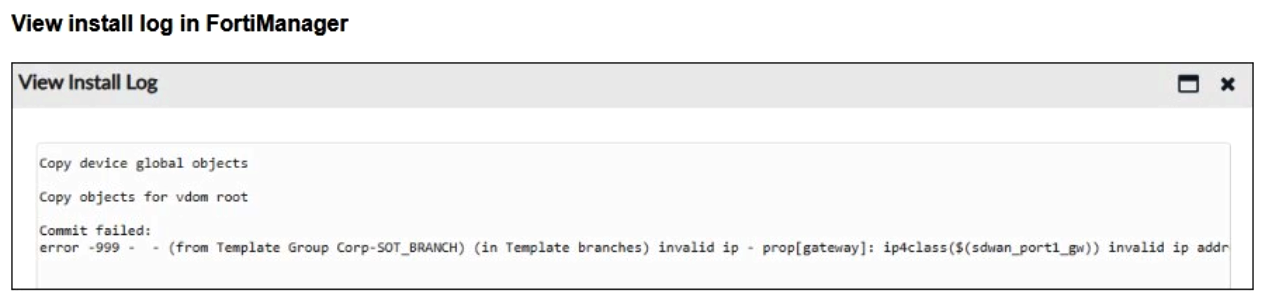
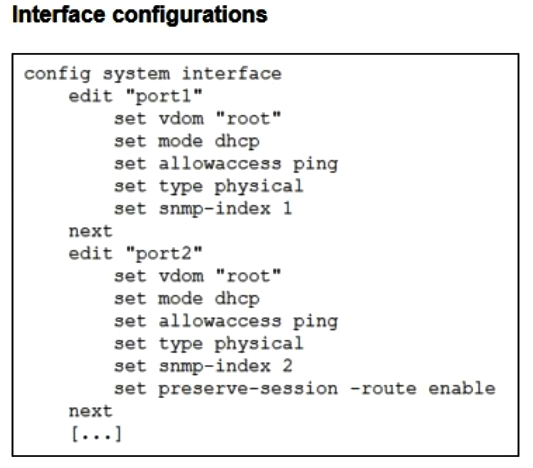
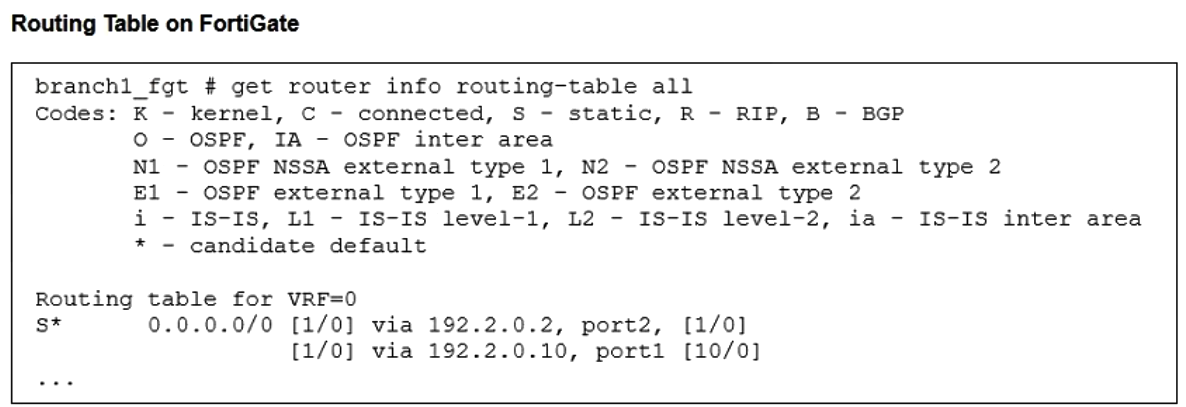
Refer to the exhibits. The administrator increases the member priority on port2 to 20. Assuming the route egressing port2 is still valid, upon configuration changes and the receipt of new packets. Which two actions does FortiGate perform on existing sessions established over port2? (Choose two.)

Select an option, then click Submit answer.
Reference / correct answer:
FortiGate flags all sessions as dirty.
Most accepted answer: E. FortiGate flags all sessions as dirty.
Community votes: A=1, B=1, D=1, E=3
Selected Answer: AE Por qué Con snat-route-change enable, FortiGate reevalúa las sesiones con SNAT cuando cambia la ruta; eso hace que los campos de gateway puedan actualizarse y que la sesión quede marcada como dirty para volver a resolver la ruta. En el caso mostrado, al subir la prioridad de port2 a 20, el tráfico nuevo puede preferir port1, y las sesiones existentes con SNAT pueden ver actualizado su gateway hacia la nueva salida si la ruta cambia. Por eso, las dos acciones que mejor describen el comportamiento son que FortiGate actualiza la gateway info de las sesiones con SNAT y que marca las sesiones como dirty para reevaluación. upvoted 1 times
Selected Answer: BE preserve-session-route enable is the key setting in this scenario. Even if the route priority changes and port1 becomes the preferred route, FortiGate keeps existing sessions on port2. Only new sessions are routed through port1 upvoted 1 times
Selected Answer: DE FortiGate flags all sessions as dirty - The Global system configuration shows set snat-route-change enable. When this is enabled, any routing change—such as increasing the priority of an SD-WAN member—causes FortiGate to flag existing sessions as "dirty" so they can be re-evaluated against the new routing table. FortiGate routes new sessions over port1 - The Routing Table on FortiGate show two default routes via port2 and port1. Originally, port2 is preferred (listed first with a priority of 1). By increasing the priority of port2 to 20, it becomes less preferred than port1 (which presumably retains its original priority). Consequently, FortiGate will select the now better-prioritized port1 for all new sessions. upvoted 1 times